Licensed master electrician · Call 414-207-0109
The switch on the wall keeps switching. Press it and the light comes on, with or without a network. What stops working when the Wi-Fi drops is everything that happens away from the wall: the app, the voice assistant, remote access, and sometimes the schedules.
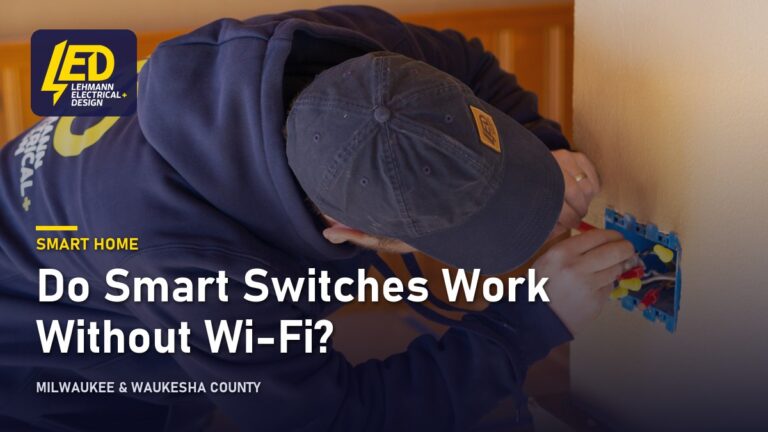
On a mainstream smart switch the paddle operates the load directly, so a network outage leaves you with an ordinary light switch rather than a dead one. That is worth confirming in the specification before buying, because a small number of designs have no mechanical path at all, and any device can lose manual control if its relay or firmware fails.
What you lose depends on where the intelligence actually lives, and that varies more than the marketing suggests.
Control from the wall survives everything. Control from your phone on the same network depends entirely on the device: one with local control keeps working, one that routes through the maker’s servers does not, and neither survives the router itself going down. Control from outside the house, and voice assistants need the internet, because the request travels to a server and back. Schedules and automations are the unpredictable one: some switches store them on the device and keep running them, while others ask a server what to do and simply stop when they cannot reach it.
If uninterrupted schedules matter to you, that is a question to ask before buying, not after.
What is usually causing it
The behaviour you get during an outage is decided by the design of the system, not by the brand on the box.
| Type | Works from the wall | App on local network | Schedules during an internet outage |
|---|---|---|---|
| Wi-Fi, cloud-dependent | Yes | Sometimes | Often stop |
| Wi-Fi with local control | Yes | Yes | Usually continue |
| Hub-based, Zigbee or Z-Wave | Yes | Yes, via the hub | Continue if the hub is local |
| Bluetooth only | Yes | Only in range | Limited |
Cloud-dependent versus local
A cloud-dependent switch treats your phone and the switch as strangers. The app sends a message to the manufacturer’s server, and the server passes it to the switch. That round trip is why a switch on the same table as your phone can stop responding when the internet drops, even though both are on the same network.
A switch with local control keeps a direct path on your own network, so the app still reaches it when the internet is down. Hub systems work this way by design: the hub holds the automations and talks to the devices itself.
Why the distinction matters more over time
Firmware changes. A switch that works locally today can be updated to behave differently, and manufacturers occasionally retire the servers that older devices depend on. Devices built around a local protocol are less exposed to that than ones that must reach a particular company’s cloud to function.
Smart bulbs behind a smart switch
A common and avoidable problem. If smart bulbs sit in a fixture controlled by a switch that cuts power, switching off at the wall takes the bulbs offline entirely, and they cannot be controlled until someone switches the wall back on. The usual answer is to choose one or the other for a given fixture rather than stacking both. If the bulbs themselves keep dropping off the network, that has its own causes, set out in why a smart bulb keeps disconnecting.
What is safe to check yourself, and what is not
Worth knowing before anyone quotes: whether your router sits somewhere that actually reaches the switches, whether the fixtures involved are on three-way or four-way circuits with more than one switch controlling them, and whether you want the automations to keep running when the internet is out. Checking the maker’s documentation for whether a model supports local control is a reasonable homeowner task and answers most of this.
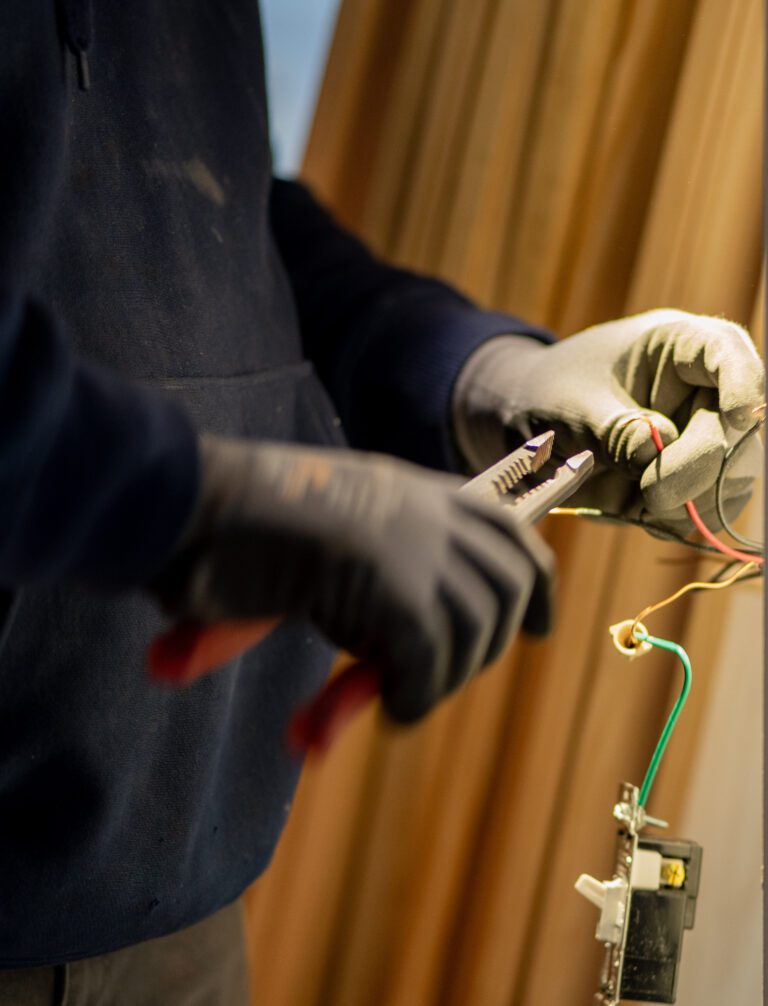
Not a homeowner job: anything behind the faceplate. Wi-Fi smart switches generally need a neutral conductor in the box, which many older Wisconsin houses do not have at switch locations. Finding out whether yours has one means removing the faceplate and the device, and that is an electrician’s job, not a look-and-see. Fitting switches, adding a neutral, or rewiring a three-way arrangement is work for a licensed electrician under a permit from the municipality where the work happens. In Milwaukee, Wauwatosa and across Waukesha County that falls under Wisconsin SPS 316, which adopts the 2023 NEC and took effect on September 1, 2026.
The neutral is usually the first thing to establish on a retrofit, and whether smart switches need a neutral wire covers what the options are when there is not one.
Planning smart switches in an older house?
A licensed electrician establishes whether there is a neutral at the switch boxes, which decides what can go in and what it costs to get there.
Licensed master electrician. 12-month workmanship warranty.
When it points to a bigger problem
Usually “it stopped working” turns out to be the network rather than the wiring. A few patterns are not.
A switch that drops off repeatedly while the rest of the network is fine is worth treating as a device or wiring question rather than a Wi-Fi one, particularly if it coincides with the load switching. That is covered in a smart switch that keeps going offline.
A switch that runs warm is not a network symptom at all. Two separate things can make one warm. The electronics draw a small standby current all the time, which is normal and slight. Separately, every switch carries a load rating printed on the device, and exceeding it is not slight; fans and motors usually need a switch rated for them specifically. Warmth, buzzing, discolouration or a smell means stop using it and have it looked at. Do not test it by touch.
Lights that flicker or dim after a smart switch goes in usually point at a mismatch between the switch and the lamps, particularly LEDs on a dimmer that was designed for incandescent loads. That is a compatibility problem with a straightforward fix, not a fault in the house.
What an electrician does about it
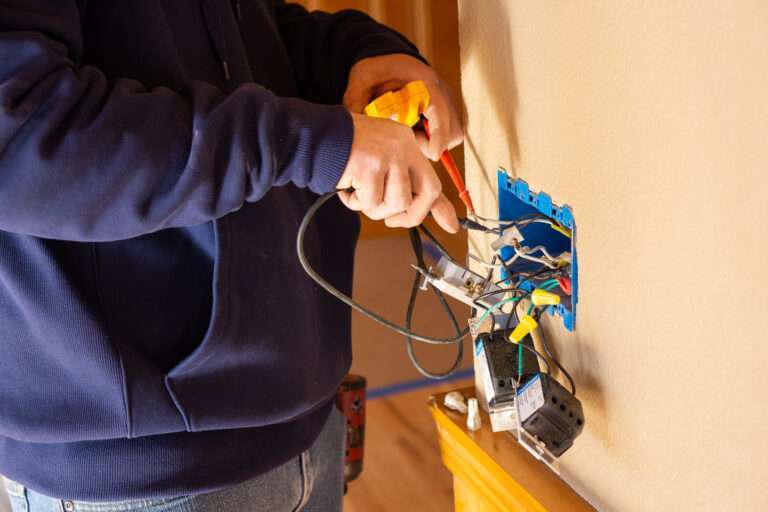
The work starts at the box rather than the app. An electrician confirms whether a neutral is present, whether the box is deep enough for a device that is bulkier than the one coming out, how the circuit is configured where more than one switch controls a fixture, and what kind of load is on the other end.
From there the recommendation follows the answer you gave about outages. Where keeping automations running without the internet matters, that points towards devices with local control or a hub-based system, and the hub needs somewhere sensible to live. Where it does not, a straightforward Wi-Fi switch is fine and simpler.
Where there is no neutral at the switch, the options are running one, using a device designed to work without one, or moving the intelligence to the fixture instead. Each has trade-offs and an electrician will say which applies in your house rather than in general.
Lehmann Electrical & Design is led by master electrician Jacob Lehmann and works across Milwaukee, Wauwatosa and Waukesha County from 12012 W Fairview Ave, Wauwatosa. Work carries a 12-month workmanship warranty, and the company holds 4.9 stars on Google.
You can see what smart home wiring covers, or request an estimate and call 414-207-0109.
Why homeowners call Lehmann Electrical & Design
- Led by licensed master electrician Jacob Lehmann
- A+ rating with the BBB and 4.9 stars on Google
- 12-month workmanship warranty on the work we do
- Permits pulled and inspections scheduled as part of the job
- Milwaukee, Wauwatosa and Waukesha County, from 12012 W Fairview Ave, Wauwatosa
Want to know what your boxes will take?
Tell us the age of the house, which rooms you have in mind, and whether any fixture has more than one switch.
Licensed master electrician. 12-month workmanship warranty.
Frequently asked questions
▾Does a smart switch work without Wi-Fi?
As a switch, yes. The paddle operates the light directly and does not consult anything to do it. Without Wi-Fi you lose the app, voice control and remote access, and depending on the model you may lose scheduled automations too. Nothing about a network outage leaves you unable to turn the light on at the wall.
▾Do smart light switches work without the internet?
Manual control always works. App control on the same network works if the switch supports local control, and fails if it routes every command through the manufacturer’s servers. Hub-based systems using Zigbee or Z-Wave generally keep working on the local network, because the hub holds the automations rather than a remote server.
▾Does a Kasa smart switch work without Wi-Fi?
The physical switch works regardless, as with any reputable brand. Whether the app still reaches it on a local network with the internet down varies by model and by firmware version, and manufacturers change this over time, so the product documentation for your exact model is the reliable answer rather than a general rule.
▾What happens to my schedules if the Wi-Fi goes down?
It depends where the schedule is stored. A switch that holds its own schedule keeps running it with the clock it has. A switch that asks a server what to do each time will simply stop until the connection returns. This is the single biggest practical difference between models, and it is rarely advertised clearly.
▾What is smart home wiring?
In practice it means wiring that anticipates controlled devices rather than just powered ones: neutral conductors present at switch locations, boxes deep enough for devices that are physically larger, sensible circuit grouping so that automations can address rooms rather than arbitrary mixtures, and a place for a hub with a wired network connection. Retrofitting it is possible, and is most of what this work involves in an existing house.
▾Can smart switches be installed in an older house?
Usually, yes, but the neutral question decides how straightforward it is. Houses wired before neutrals were routinely run to switch boxes need either a conductor run, a device designed to work without one, or a different approach such as controlling the fixture instead. An electrician can tell you which applies after looking at a couple of representative boxes.
Next step
Get the boxes checked
Tell us the age of the house and which rooms you have in mind.
Licensed master electrician12‑month warranty4.9 on Google
Milwaukee, Wauwatosa and Waukesha County. Prefer to talk? Call 414-207-0109