Licensed master electrician · Call 414-207-0109
A smart bulb drops offline for one of three reasons: the bulb is losing Wi-Fi signal, the bulb is losing power because something upstream is cutting it, or the bulb itself is failing. In older Milwaukee and Waukesha County homes, the power side is the one people miss. A dimmer behind the wall, a loose neutral in a switch box, or a wall switch that gets flipped overnight all look like a “network problem” and are not.
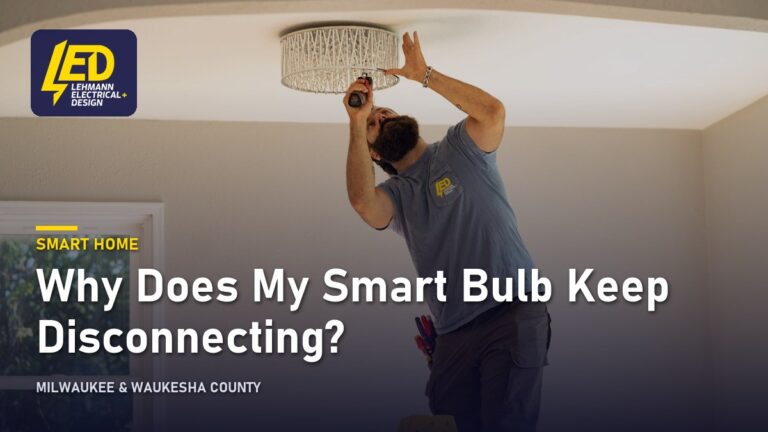
Most smart bulbs are tiny computers that need two things to stay connected: steady 120-volt power and a usable 2.4 GHz Wi-Fi signal. Take away either one and the bulb goes dark in your app.
The quick sort is this. If the bulb is physically lit but the app says it is not responding, you have a network or app problem. If the bulb is off, flashing, pulsing, or cycling on its own, you very likely have a power problem, and a power problem in a lighting circuit is an electrical question, not an app question.
That second category is where a licensed electrician matters. Flickering, bulbs that turn themselves off, and bulbs that blink on a timer you never set are classic symptoms of a loose connection, a shared neutral, or a dimmer that was never meant to feed electronics.
What is usually causing it
Here are the causes worth checking, roughly in the order they show up in real houses.
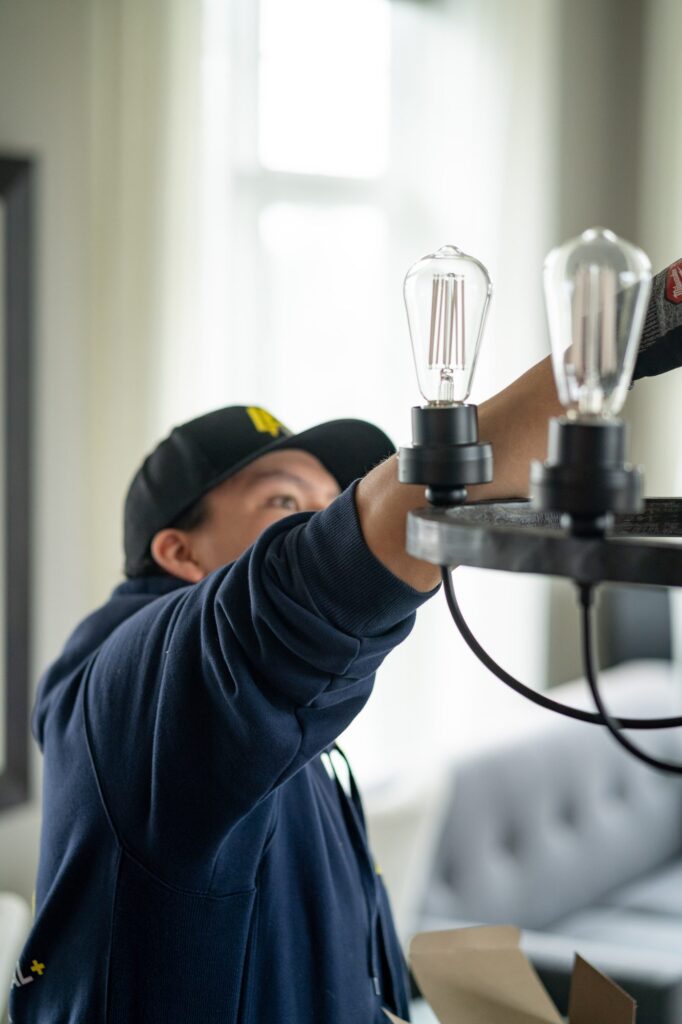
A dimmer switch is still on the circuit. This is the big one. Nearly every Wi-Fi and Bluetooth smart bulb, including WiZ, LIFX, Philips Hue and the store-brand equivalents, is designed for a plain on/off switch at full line voltage. A legacy dimmer chops the waveform to reduce brightness. The bulb’s internal power supply gets a dirty, incomplete supply, browns out, reboots, and drops off the network. Symptoms: the bulb flashes, buzzes, pulses, or disconnects every time someone adjusts the wall control.
Somebody turned the wall switch off. Obvious, but it accounts for an enormous share of “my smart lights keep disconnecting” calls. A smart bulb with no power is simply gone. Family members and cleaners flip switches out of habit. If a bulb reliably vanishes overnight and reappears in the morning, start here.
Loose or backstabbed connections. Many devices were wired using the push-in holes on the back of a switch or receptacle rather than the screw terminals. Those connections loosen with thermal cycling. An intermittent connection gives a bulb intermittent power: it reboots, blinks, rejoins, and drops again. The same thing happens with a loose wire nut in a ceiling box or a worn lamp holder whose center contact has flattened.
A shared or overloaded neutral. The neutral conductor is the return path for the circuit. In older homes, neutrals were sometimes shared between circuits or spliced in ways that create a small voltage offset. Electronics inside LED bulbs are sensitive to that in a way an old incandescent filament never was.
Wi-Fi reality. Almost all smart bulbs use 2.4 GHz only. If your router is a modern mesh unit broadcasting a combined 2.4 and 5 GHz network, the bulb may be steered onto a band it cannot see. Plaster and lath, foil-backed insulation, metal fixture housings and recessed cans all attenuate signal. A bulb in the back of a metal can light 40 feet from the router has a hard life.
Too many bulbs on one hub or network. Each bulb is a separate client. Consumer routers choke somewhere in the dozens of devices, and symptoms show up as random dropouts rather than a clean failure.
The bulb is just worn out. LED bulbs do not burn out the way filaments did, they degrade. The driver, the small power supply inside the base, dies first, often after heat exposure in an enclosed fixture. A bulb that is slowly dying flickers and disconnects before it quits.
| Symptom | Most likely cause | Who should handle it |
|---|---|---|
| Bulb lit, app says “not responding” | Wi-Fi band, range, or app account | Homeowner |
| Bulb flashes or pulses continuously | Dimmer on the circuit, or failing driver | Electrician if a dimmer is involved |
| Bulb turns itself off and on | Loose connection or intermittent neutral | Electrician |
| Whole group of lights drops at once | Switch flipped, breaker tripped, or circuit fault | Electrician if the breaker is involved |
| Buzzing or humming with the light | Dimmer incompatibility | Electrician |
| Any burning smell, scorch marks, discoloration, crackling | Overheating connection | Stop using it, leave the breaker off, call an electrician |
That last row is not a maybe. If you smell burning plastic, see browning or scorch marks around a switch, fixture or outlet, or hear buzzing or crackling, stop using that circuit, switch the breaker off, and have it looked at before anything else.
What is safe to check yourself, and what is not
Safe, and worth doing before you call anyone:
- Confirm the wall switch is on and tape or lock it if people keep flipping it.
- Power-cycle the bulb using the fixture’s own switch, then re-add it in the app.
- Check your router is broadcasting a 2.4 GHz network the bulb can join, and try moving the bulb to a fixture closer to the router as a test. If it holds there, you have a signal problem, not an electrical one.
- Update the app and the bulb’s firmware.
- Swap the suspect bulb into a different fixture and put a known-good bulb in the suspect fixture. This one test separates “bad bulb” from “bad fixture” faster than anything else.
- If a breaker has tripped, reset it once: push it firmly to OFF, then to ON. If it trips again, leave it off and call an electrician. Do not reset it a second time.
Not safe, and not legal for an unlicensed person in most of the work:
- Opening a switch or fixture box to inspect or re-land wiring.
- Replacing a dimmer with a smart-compatible control. Whether that device even works depends on whether a neutral conductor is present in the box, which is why the question of whether a smart switch needs a neutral comes up constantly in older local housing stock.
- Anything behind the cover of the electrical panel. Turning the main breaker off does not make the panel safe. The service conductors feeding the panel and the line-side lugs on the main breaker stay energized. A homeowner cannot de-energize those: that takes the utility, usually by pulling the meter, or a separate service disconnect ahead of the panel if one is fitted.
- Tracing a shared neutral between circuits.
- Never fit a larger breaker to stop nuisance tripping. The breaker protects the wire behind the wall. If a lighting circuit is genuinely overloaded, the answer is a new circuit, not a bigger breaker.
Bulbs dropping off the network over and over?
A licensed electrician works out whether it is the network, the switch feeding them or the circuit itself, which are three different jobs.
Licensed master electrician. 12-month workmanship warranty.
When it points to a bigger problem
A single stubborn bulb is a bulb problem. These patterns are not:
Multiple fixtures on the same circuit misbehave together. When several lights flicker or drop in unison, suspect a shared connection point: a loose splice in a junction box, a failing switch, or a neutral issue upstream.
Lights dim or flicker when a large appliance starts. A furnace blower, well pump or air conditioner kicking on should cause a barely noticeable blip at worst. A visible dip across the house can indicate a loose service neutral or an undersized feed. That is a genuine safety item, because a compromised neutral can push voltage above normal on part of the house and quietly destroy electronics.
Smart switches go offline as well as the bulbs. If your controls drop too, the pattern looks less like bulbs and more like power or network infrastructure, and the troubleshooting for smart switches dropping offline overlaps heavily with this.
Knob and tube, cloth-insulated wiring, or no ground. Plenty of homes across the area still have original 1920s to 1940s branch wiring. Those circuits often lack an equipment grounding conductor and were spliced many times over a century. Smart devices expose weaknesses in that wiring that incandescent bulbs tolerated for decades.
Breakers that trip with nothing much on the circuit. Standard residential breakers are thermal-magnetic: a heat-sensitive strip handles sustained overload and a magnetic coil handles short circuits. A breaker tripping with almost no load is more often a wiring fault, a short or a ground fault, than a worn-out breaker.
What an electrician does about it
A troubleshooting visit on a disconnecting smart bulb is detective work, done in a specific order.
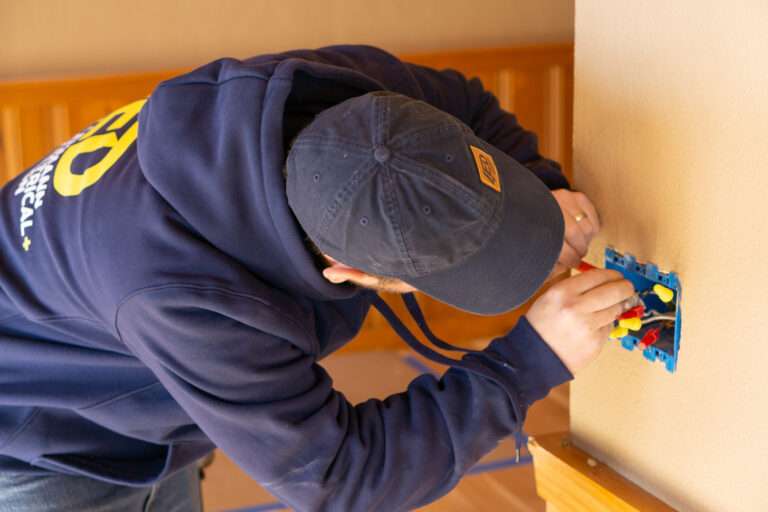
First, the circuit is identified and the actual voltage at the fixture is measured, both unloaded and under load, because a reading that sags when the light is on points straight at a loose connection. Then the switch, fixture and relevant junction boxes are opened and inspected: screw terminals versus push-in connections, condition of the splices, presence and condition of a neutral, any heat damage. Any legacy dimmer is identified and evaluated for replacement with a control that is listed to work with LED loads, or removed so the smart bulb gets clean line voltage. Loose terminations are re-landed on screws. Where the circuit layout is the real problem, the fix is new wiring or a dedicated circuit rather than another device swap.
Work of this kind is permitted through your local municipality, whether that is Milwaukee, Wauwatosa, Waukesha or a surrounding community, each of which enforces Wisconsin SPS 316, the state’s electrical code, which adopts the 2023 NEC and has been in effect since September 1, 2026. Existing installations do not have to be brought up to the current edition unless they are altered, which is part of why a small lighting repair sometimes turns up older methods that are legal where they sit but cannot be extended.
The honest outcome of a visit is sometimes “your wiring is fine, your network is the problem.” That is useful information too, and it is better than buying a third set of bulbs.
If smart lighting keeps dropping and you would rather have the wiring checked properly than keep guessing, Lehmann Electrical & Design, led by master electrician Jacob Lehmann, handles lighting troubleshooting and smart home wiring across Milwaukee and Waukesha County. The company holds an A+ rating with the BBB, 4.9 stars on Google, and backs its work with a 12-month workmanship warranty. Request an estimate or call 414-207-0109.
Why homeowners call Lehmann Electrical & Design
- Led by licensed master electrician Jacob Lehmann
- A+ rating with the BBB and 4.9 stars on Google
- 12-month workmanship warranty on the work we do
- Permits pulled and inspections scheduled as part of the job
- Milwaukee, Wauwatosa and Waukesha County, from 12012 W Fairview Ave, Wauwatosa
Want it traced properly?
Tell us how many bulbs, which room, and whether a dimmer or smart switch is on the same circuit.
Licensed master electrician. 12-month workmanship warranty.
Frequently asked questions
▾Why does my smart bulb keep flashing, and how do I stop it?
Steady flashing usually means the bulb is in pairing mode or is browning out. Pairing mode is fixed by completing setup in the app. Brownout flashing almost always comes from a dimmer on the circuit feeding a bulb that expects full line voltage, or from a loose connection. If the flashing stops when the bulb is moved to a non-dimmed fixture, the switch is the culprit and needs replacing by an electrician.
▾Why does my WiZ or LIFX bulb keep disconnecting specifically?
Both are Wi-Fi bulbs with no hub, so each one connects directly to your router on 2.4 GHz. That makes them more sensitive to band steering, range, and router client limits than hub-based systems. Check that a 2.4 GHz network is reachable where the bulb lives. If the bulb also blinks or cuts out at the fixture, the cause is power, not Wi-Fi, and the wiring should be inspected.
▾Why does my smart bulb keep turning on by itself?
Three common reasons: a schedule or automation you forgot, a default “power on” behavior that makes the bulb light whenever line power returns, or an intermittent connection cutting and restoring power. If the bulb turns on at random times with no schedule set, treat it as a power interruption at the fixture or switch and have the connections checked.
▾Why do my LED lights keep turning off even though they are not smart?
Standard LEDs turn themselves off for overheating in an enclosed fixture, a failing internal driver, or an intermittent supply. Enclosed-rated bulbs solve the first. A failing driver shows as flicker before failure. If several LEDs on the same circuit cut out together, the problem is the circuit, not the bulbs, and that warrants an inspection.
▾Could a tripped breaker be why all my smart lights went offline at once?
Yes. If an entire group of bulbs disappears from the app simultaneously, check the panel for a tripped breaker before troubleshooting anything else. Reset it once only. If it trips again, leave it off and call an electrician, because a breaker that will not hold is reporting a real fault in the wiring or a device on that circuit, not a nuisance to be worked around.
Next step
Get the lighting traced
Tell us how many bulbs and whether a dimmer is involved.
Licensed master electrician12-month warranty4.9 on Google
Milwaukee, Wauwatosa and Waukesha County. Prefer to talk? Call 414-207-0109